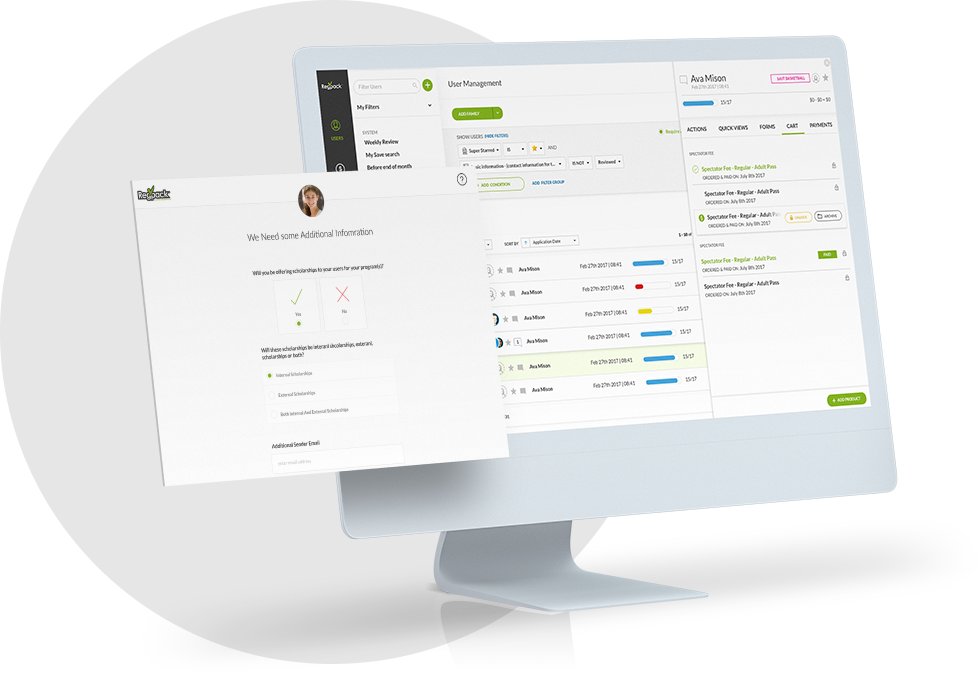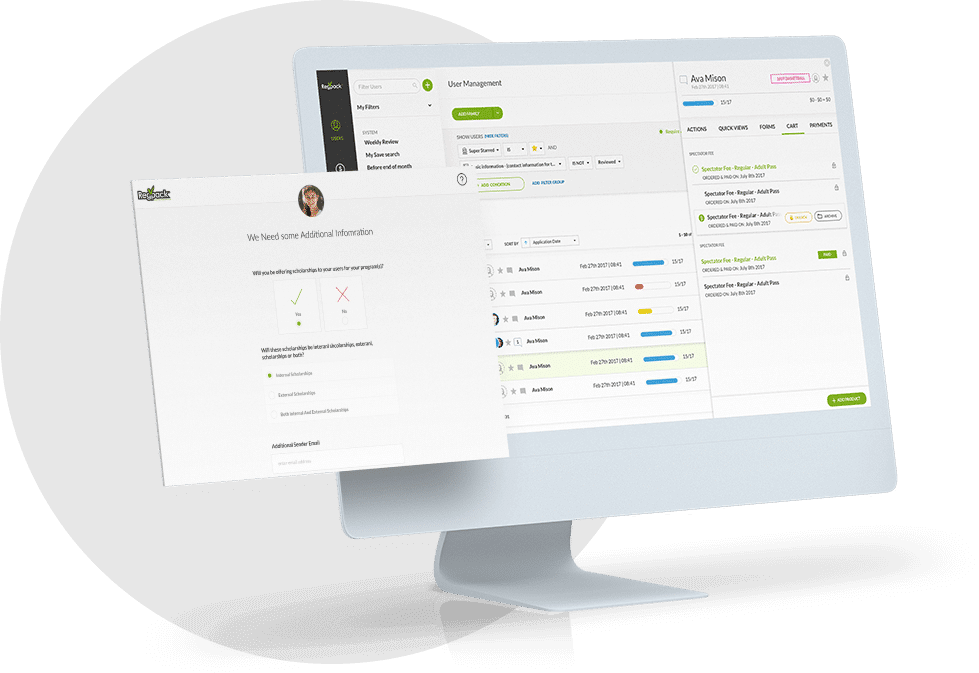




For many camps, there is a review process associated with the registration process. Either some details need verifying, or there is a qualification to attend a particular camp or session.
Whatever the reason, you need a registration software that fits to your process and can provide the flow needed to make your camp and business work.
An Acceptance Letter to campers is an important email template needed for a camp that requires a two-step application process, where step 1 is an acceptance process with a specific set of forms and step 2 is after acceptance and completing the more detailed registration forms.
Below is our tried and true camp acceptance letter template. You’ll see after the email example what elements are necessary to make this email a success.
Camp Acceptance Letter Email Template
Dear Camper’s Last Name Family,
Congratulations!
Camper’s First Name has been accepted to Camp Awesome for this summer!
Camper’s First Name is confirmed to attend: Session A and Session B
We are so excited to see you this summer!
Please note there are a few more forms you need to complete. You will find all of these in your Online Registration Dashboard.
Incomplete forms:
Session Registration Forms
e-Sign Waiver
Bunk Request Form
You also have an outstanding balance of $750.
You can login to your Dashboard to complete payment OR signup for an automatic billing plan.
| access your family dashboard |
We know plans can change, so please notify us of any changes as soon as possible!
If you have any questions, please don’t hesitate to be in touch!
Best,
Camp Awesome Team
ph: (888) 777-6789
team@campawesome.org
12345 Main St
Awesome, CA 90001
Office Hours: 10am – 5pm M-F
You’ll notice a few key parts of the email that all camp acceptance emails should include:
Personalized Message
The email is full of personal details including the camper’s last name, the camper’s first name, the session or sessions they are attending and more.
When a camper is accepted to your program, you want to include the sessions as well. This might not matter if its a one session camp, but being specific about what they are accepted for and can register for makes a difference.
Automating this personalization is easy with the right software. Your software should allow you to create this basic email body, and then throw in “tokens” or the information from your forms you want to merge into the email. For example, the camper’s name, the last name to address the family, and the session or sessions they are accepted to.
This will make sending acceptance letters easy! You can just sort and filter your camp applications for those approved, and send this email. The information for each recipient will automatically populate.
Personalizing emails are important. They increase your open rate, and help to communicate with applicants better.
Detailed Information
You’ll see there is detailed information in this email template. This email serves as an informal confirmation of registration (in addition to a more basic registration confirmation email).
You see the name of the session the camper is confirmed to be accepted to.
There is also a list of forms that still need to be completed as well as the balance due now that they have been accepted.
This is why increasing the open rate of this email is important, as you want the parent receiving this to understand there is more to do. This is achieved by giving them their unique family information.
Contact Information
The email includes comprehensive contact information to make asking questions and follow ups quick and easy! The email signature contains email and phone number contacts.
Ensure as well that the email this is sent from is monitored or goes to the person who should receive any questions. This will help improve customer support and make connecting with your families easy.
Call to Action Button
You’ll see the nice big green button in the email with a call to action. A call to action is essential the “thing” or “action” you want the receipient to do when reading your email.
The benefit to having this green, in color and in button form is so that it catches the eye. If the parent reads NOTHING else but the button, they will understand they have to complete more things in order to complete their child’s registration.
The link should take them either to the one specific form they need to complete, to make a payment, or to a general dashboard that will then communicate all the forms needed to complete their application and their payment information.
Conclusion
Communicating with parents and campers before camp begins is important! There is lots of information, forms to complete and payments to make.
Getting it right with your emails to ensure the right information is included and families have what they need to complete your process is crucial.
This template is a great starting point for any camp looking to put together their own camp acceptance email to families as they begin the 2nd step of their application process: registration!