How Do You Track CE Attendance?
Adult Attendance Tracking Software
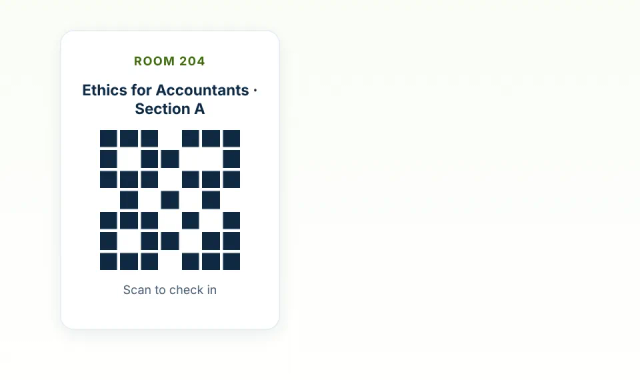
Attendance tracking for continuing education with a QR code for each class. Learners scan it in the room, and every check-in ties to their registration, their class, and the minutes they were there.
How do you stop learners from signing in for someone else?
A record that stands up to an audit or a dispute answers four questions: who, which class, when, and how long.
Learner must be in the room
Each class has its own QR code posted on site, so only learners who are physically there can scan in.
Right person
Every check-in ties to a learner's own registration, not a name written on a sheet.
Right class
Scanning opens the sign-in form for that specific class with the class details already filled in.
Real times
Check-in and check-out are stamped to the minute, with no rounding.
Contact hours per learner
Hours total up across every session of a course, by learner.
Easy to pull
Export times and hours by learner, course, or date range to Excel or PDF.
Can you track attendance at the session level for each class?
Student registers for a class
They choose their course and section during registration and payment.
Scans the class QR code
The code is posted in the room, so the learner has to be there.
Class form fills itself in
The sign-in form for that class opens with the details already set.
Hours land on the right class
Times and contact hours are recorded for that class only.